Screenshots

See how reading panes, study notes, highlights, and search fit together on desktop and Android. These captures show earlier builds; controls may differ in your version.

Desktop

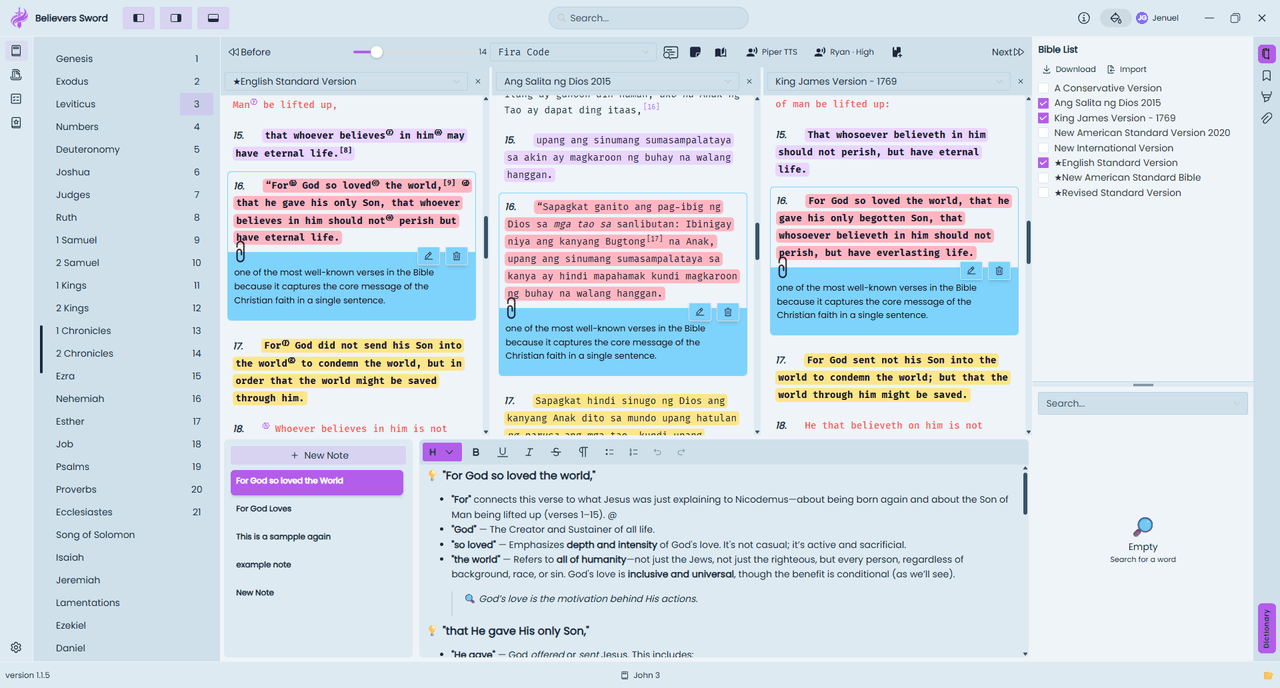
John 3 in three desktop translation panes, with verse clip notes and a chapter note editor.
Compare the same passage across translations. Blue clip notes attach comments to a verse, while the editor below keeps a longer chapter study together.
The desktop study workspace in a blue appearance with purple highlights and three reading panes.
The same study workspace with a different appearance. Choose a readable combination of background, text, and highlight colors before spending a long time in a passage.

Try these features with our translation comparison guide and study notes guide.

Mobile
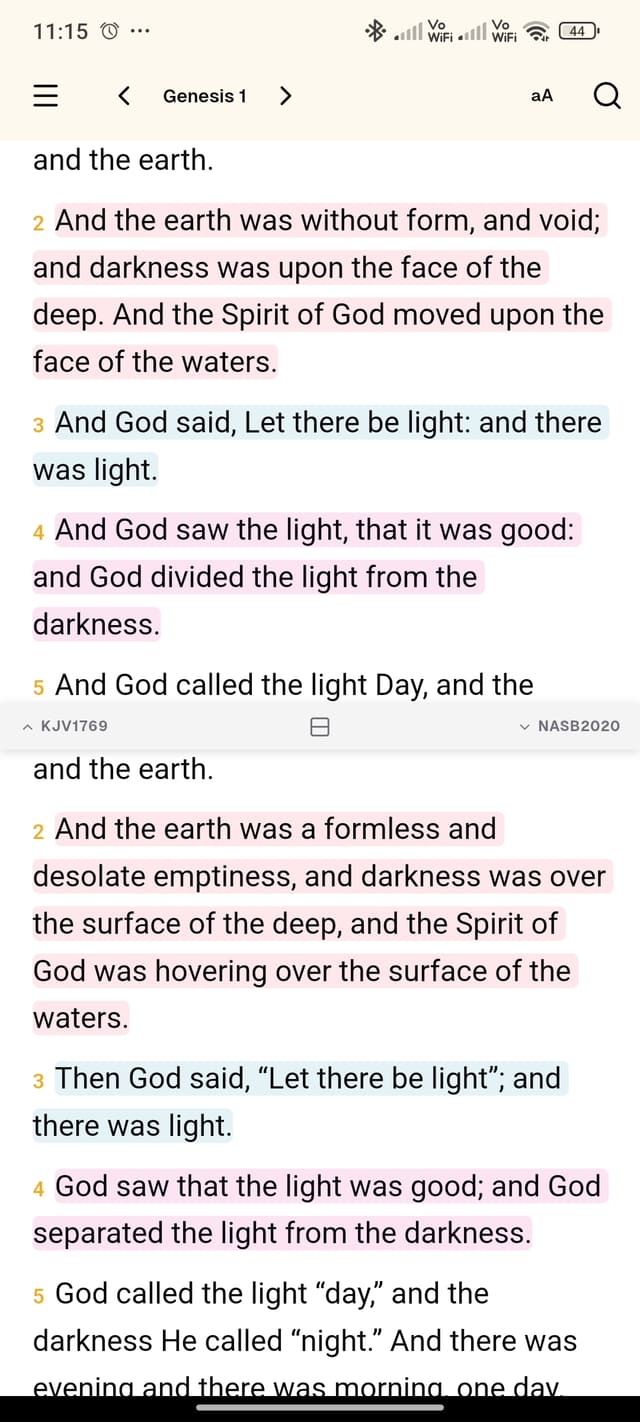
Genesis 1 in two stacked Android translation panes with verse highlights.
Compare translations vertically on a phone. The selected version names appear between the reading panes, and saved highlights remain visible in the passage.
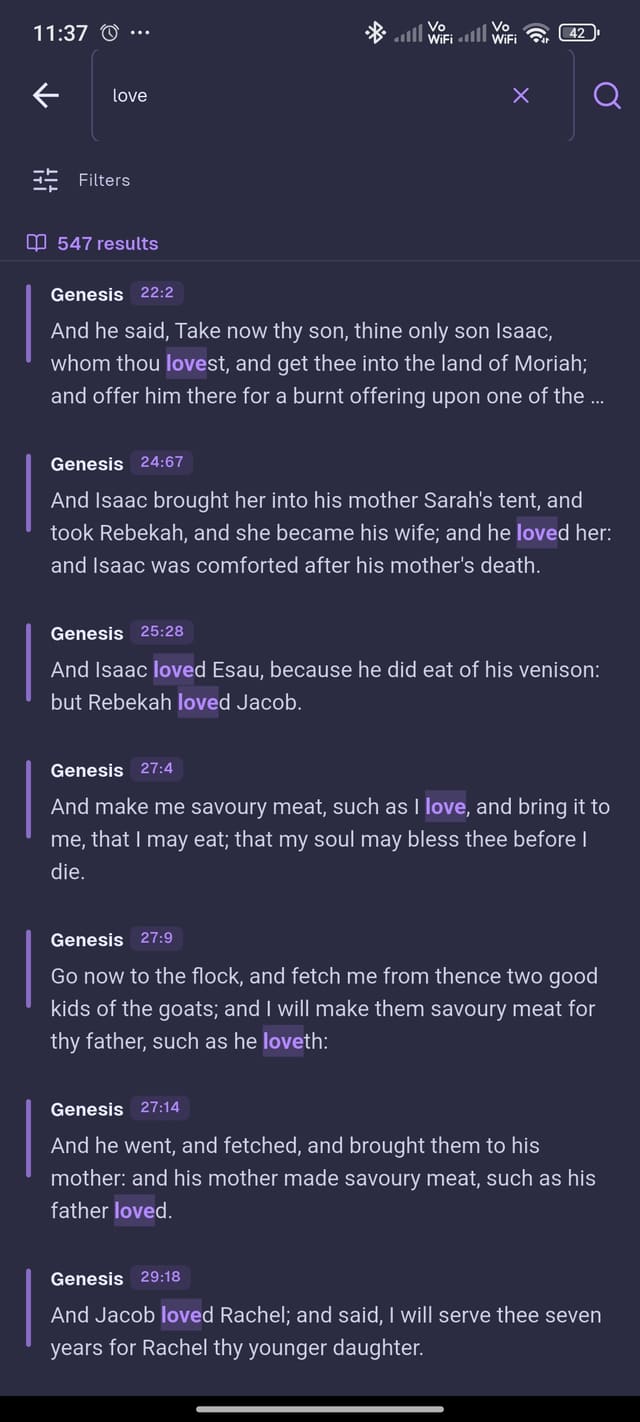
Android search results for love, with matching words highlighted and verse references.
Search results include a reference and surrounding text. Open the chapter to check what a matching verse means in context instead of relying on the result snippet alone.
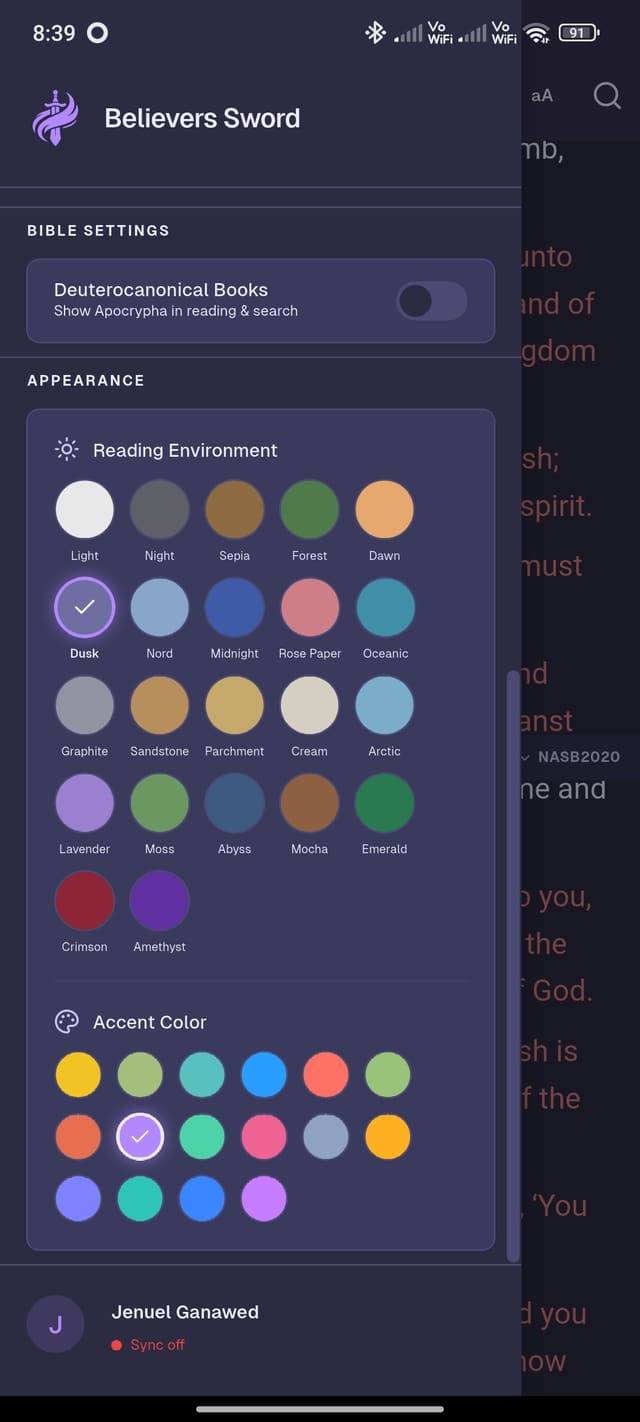
Android appearance settings with reading environment and accent color choices.
Reading environment and accent color are separate choices. Use the appearance controls to find a comfortable background and a clear highlight color.
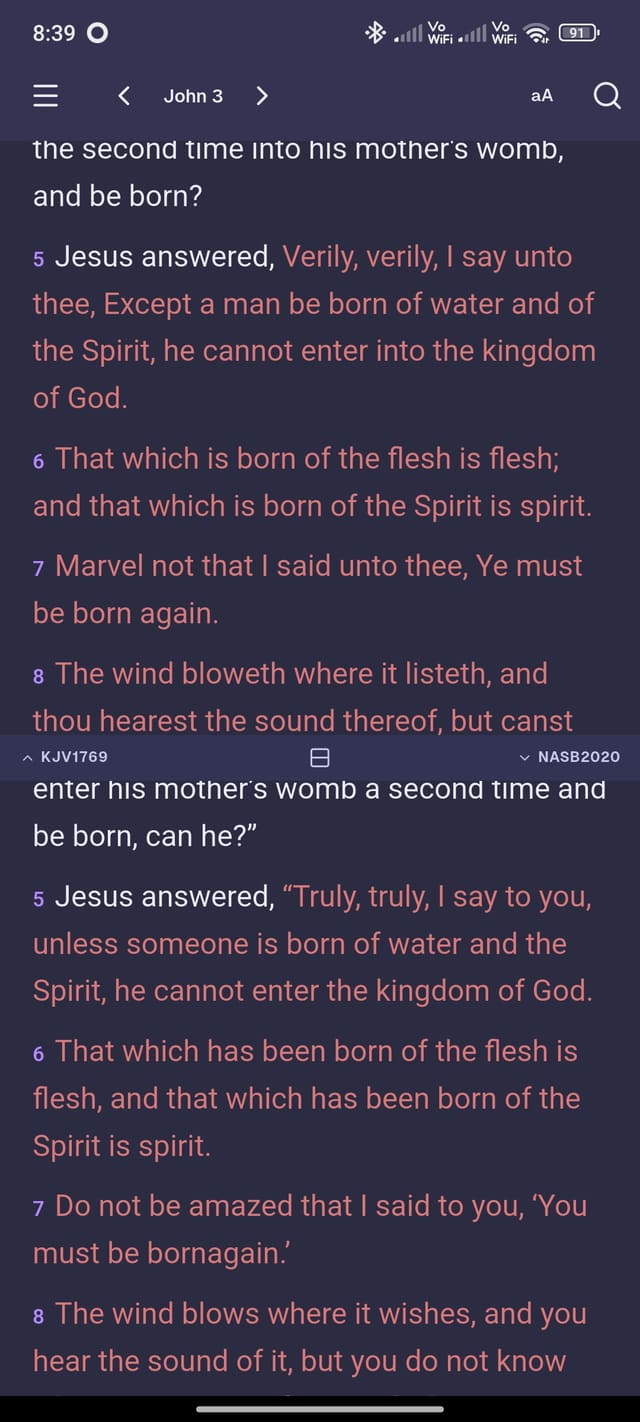
John 3 in two Android translations using a dark reading environment.
A dark reading environment with two versions of John 3. The chapter navigation stays at the top while the translation names identify each pane.