Closed Beta · Android

Your Bible study,
now in your pocket.

Read Scripture, compare translations side by side, highlight verses, and take rich-text notes — all offline, right on your Android device.

You must join the Google Group first before the Play Store link becomes active.

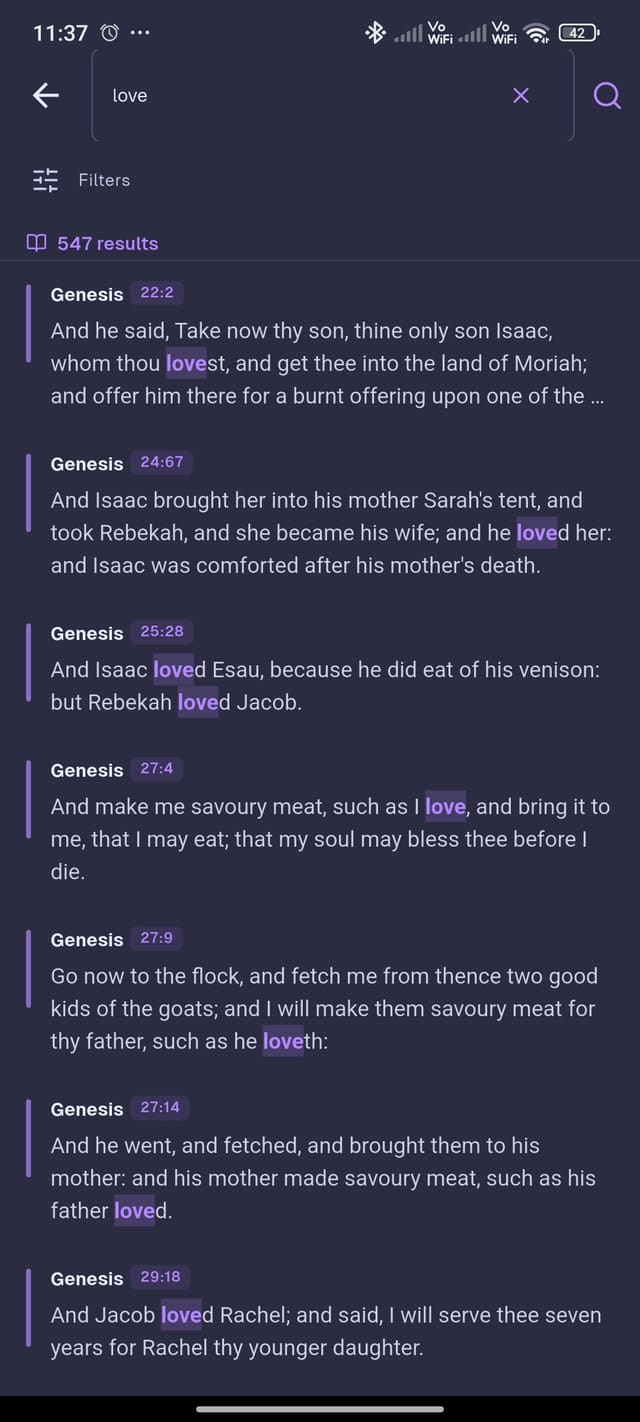
Believers Sword mobile search view
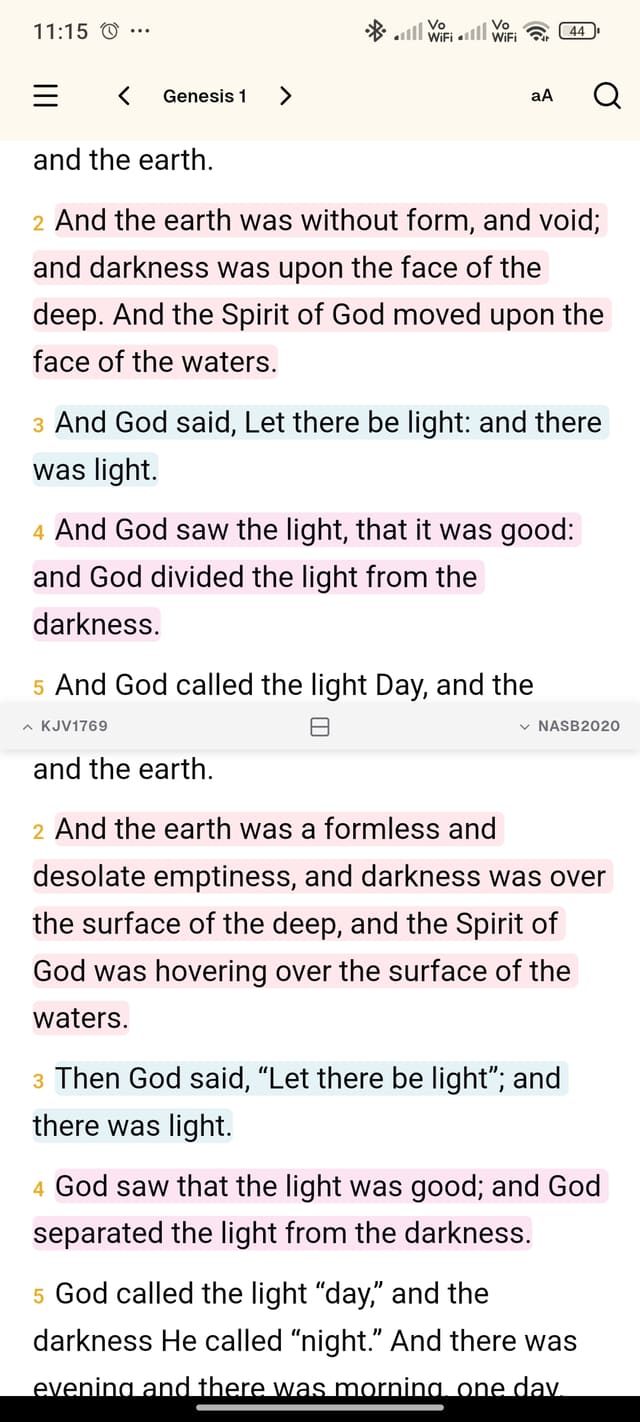
Believers Sword mobile Bible reading with highlights

What's Inside

Everything you need, on the go.

Multi-Translation Reader

Read two Bible translations side by side and compare how different versions render the same passage.

Verse Highlights

Color-code your reading with multiple highlight colors. Your marks are saved locally and always available offline.

Full-Text Search

Search across all your installed translations simultaneously and jump to any result instantly.

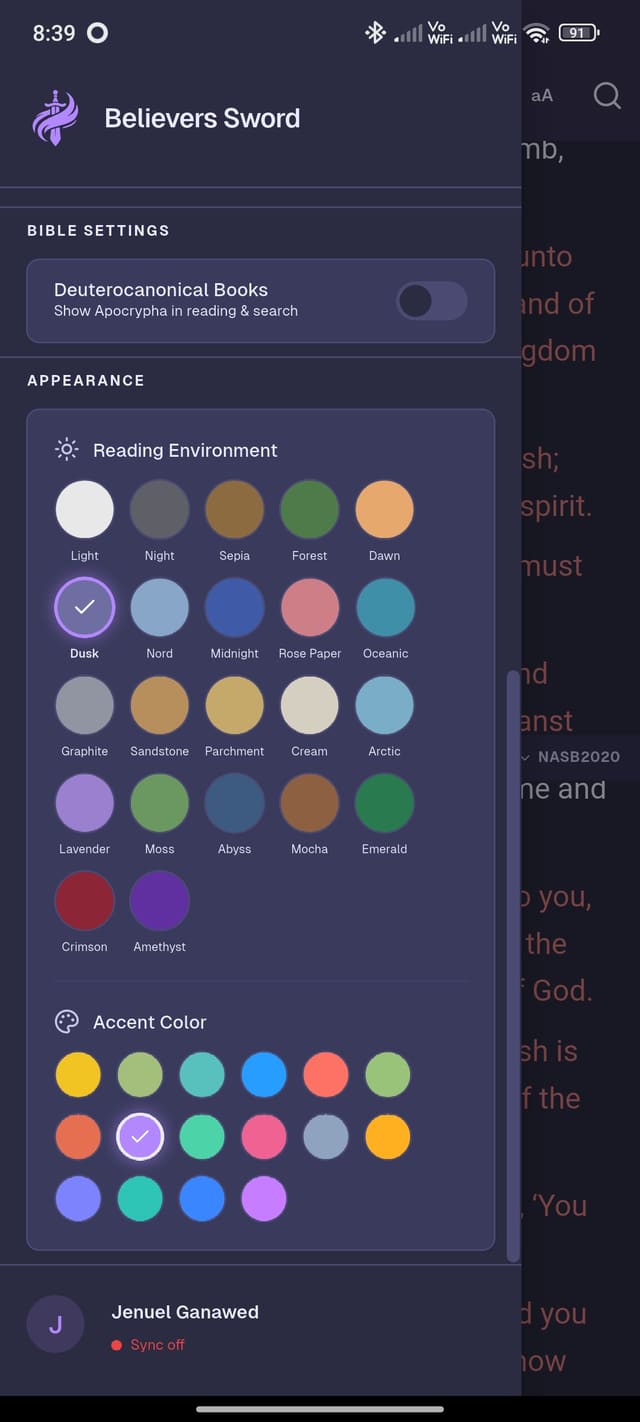
17+ Reading Themes

Choose from Light, Night, Sepia, Dusk, Forest, and more to match your reading environment and preference.

Fully Offline

All Bible data is stored locally on your device — no internet required once your translations are downloaded.

Download Translations

Download only the translations you need. Each version is stored locally for instant, offline access.

Preview

See it in action.

Believers Sword mobile screenshot 1
Believers Sword mobile screenshot 2
Believers Sword mobile screenshot 3
Believers Sword mobile screenshot 4
Believers Sword mobile screenshot 5
Believers Sword mobile screenshot 6

Get Early Access

Two steps to join the beta.

The app is in closed testing. Complete both steps in order — the Play Store link only activates after your group membership is approved.

1

Join the Testing Group

Request access through the Google Group for beta testers. Approval is required before installing.

Join Beta Group
2

Download on Google Play

Once approved, use this link to install from the Google Play testing program.

Open Play Store